STIG
A STIG is DISA’s answer to a specific, narrow question: given this product, on this version, configured for a DoD network, what does “hardened” actually mean, setting by setting. Not a policy. Not a framework. A list of concrete configuration items with a check and a fix for each one. The Red Hat Enterprise Linux 9 STIG tells you the exact sysctl values, the exact PAM stanzas, the exact audit rules. The Windows Server 2022 STIG tells you which registry keys and which Group Policy settings. That granularity is the whole point, and it is also why STIGs are voluminous, occasionally self-contradictory, and the source of more ATO grief than almost any other artifact in the package.
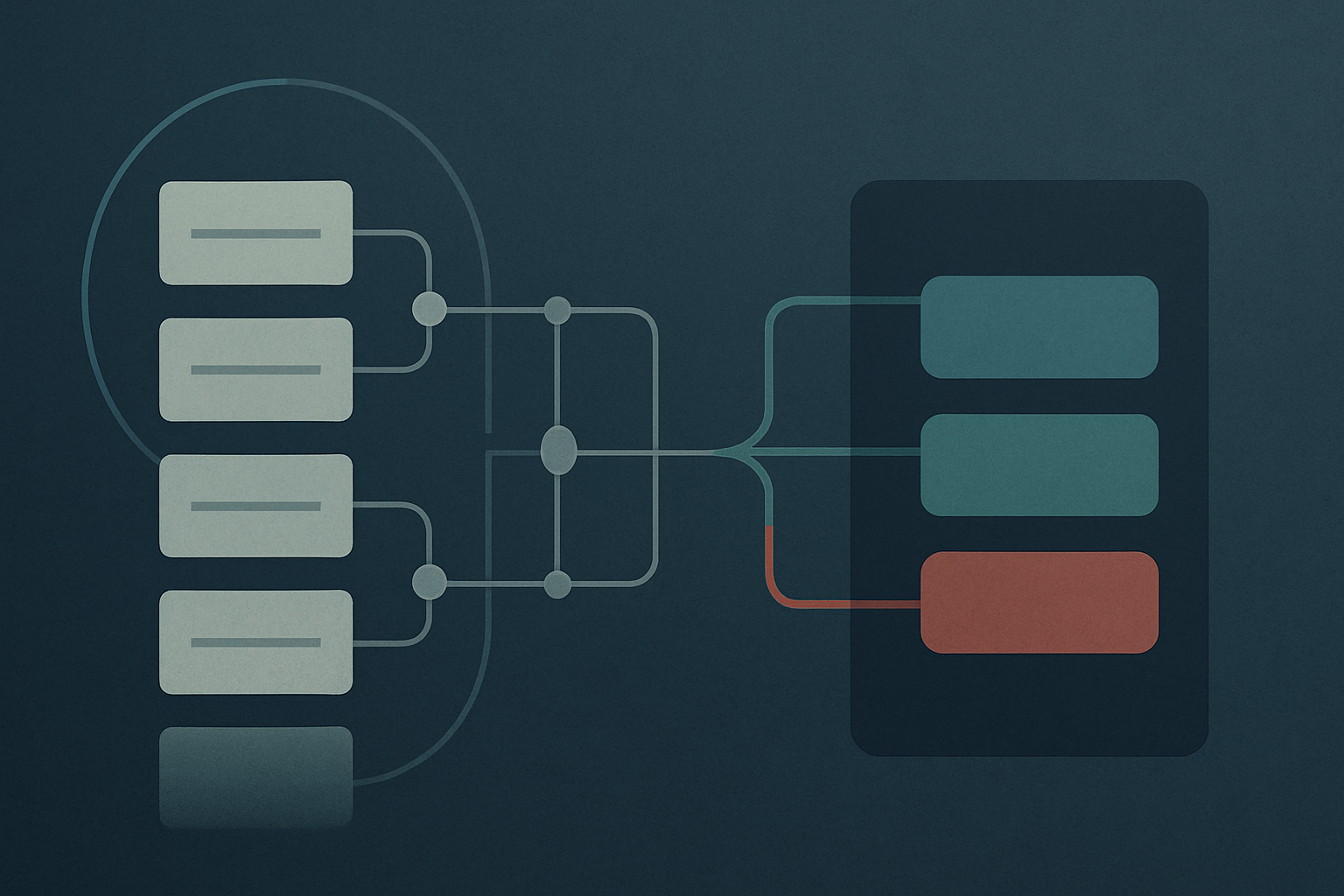
The lineage runs the other way from how people usually describe it. NIST SP 800-53 gives you the control (CM-6, configuration settings). DISA writes a Security Requirements Guide (SRG) that translates a family of those controls into technology-class requirements, an Operating System SRG, an Application Server SRG, a Web Server SRG. The STIG is the SRG made specific to a product. So the chain is 800-53 to SRG to STIG, and when an assessor asks “where does this setting come from,” the honest answer traces all the way back to a control. If you are writing a STIG for a product DISA hasn’t covered, you author against the relevant SRG, and that is a real and underappreciated amount of work.
Where it sits in the RMF flow
STIGs get pulled into DoD systems through DoDI 8510.01 and land squarely on CM-6, with CM-7 (least functionality) close behind because a lot of STIG items are “disable the service you aren’t using.” The implementation evidence for CM-6 on a DoD system is, in practice, your STIG compliance results. An assessor reviewing CM-6 is going to want to see checklists, not prose about your configuration management philosophy.
Cadence is quarterly. DISA publishes the SRG/STIG library compilations on the DoD Cyber Exchange (public.cyber.mil, which replaced the old iase.disa.mil years ago and is still the authoritative source as of 2026) on a roughly quarterly schedule. Each release adds new STIGs, revises existing ones, and bumps version/release numbers, the V1R5, V2R3 style identifiers that matter more than people think. Benchmarking against last quarter’s RHEL STIG when this quarter’s revised three checks is the kind of thing that turns into a finding about your own currency, not about the host.
Severity is the old three-tier scheme and it has not changed: CAT I (a finding that directly and immediately leads to compromise), CAT II, CAT III. A single open CAT I will sink a package faster than two hundred open CAT IIIs, and that asymmetry should drive your remediation order. Don’t burn a sprint closing CAT III banner-text findings while a CAT I anonymous-FTP item sits open because nobody triaged by severity.
The tooling, and what’s actually current
This is the part the old version of this page completely ignored, and it’s the part that drifts, so here is the 2026 reality.
| Tool | Owner | Current as of 2026 | What it’s for |
|---|---|---|---|
| STIG Viewer 3 | DISA | 3.4.x | Open, edit, and produce manual checklists; the canonical viewer |
| SCC (SCAP Compliance Checker) | NIWC Atlantic (Navy) | 5.14 | Automated SCAP benchmark scanning |
| Evaluate-STIG | NSWC Crane / NAVSEA (Navy) | actively released | Automating the manual-check portion |
| STIG Manager | NUWCDIVNPT (Navy) | 1.6.x | Multi-host collaboration, tracking, package export |
STIG Viewer 3 is the desktop checklist tool, and there’s a trap in the seed knowledge worth flagging: version 3 is not the Java app. STIG Viewer 2 was the Java JAR that needed a working JRE and fell over on OpenJDK in ways that filled help desk queues for a decade. Version 3 was rewritten as an Electron app, ships as a standalone binary for Windows and Linux with no Java dependency, and is on 3.4.x as of early 2026. If your SOP still says “install the Oracle JRE first,” that SOP is describing a tool DISA has moved past.
That rewrite came with a format change. The legacy checklist was .ckl, an XML file. STIG Viewer 3 reads and writes .cklb, which is JSON. Viewer 3 will still ingest a legacy .ckl through its “Import V2 Checklist” path, but new checklists are .cklb, and that’s the format the rest of the modern tooling expects. If your pipeline is still hard-coded to parse .ckl XML, that’s tech debt with a clock on it.
SCC is the SCAP scanner. NIWC Atlantic (Navy) builds it, DoD distributes it, and it’s the standard way to run the automated half of STIG compliance: point it at a host, it evaluates the SCAP benchmark, you get XCCDF results. It’s SCAP 1.3 validated and on 5.14 as of February 2026, with SCAP 1.4 content beginning to show up in the NIWC repository. SCC is fine at what it does. The catch is coverage: a meaningful fraction of STIG items have no automated SCAP check, because the requirement is procedural or environmental (“verify the ISSO reviews X quarterly”) and no benchmark can assert it.
That coverage gap is exactly what Evaluate-STIG exists to close. It’s a PowerShell project out of NSWC Crane (NAVSEA), distributed through the Navy’s GitLab (spork.navsea.navy.mil) and mirrored to GitHub. It runs scanners and parsers across a host, ingests SCC and ACAS output where it exists, and auto-populates the manual-check answers it can determine on its own, producing .cklb checklists. It does not magic away every manual check (nothing does), but it can take a RHEL or Windows checklist from “300 items, all open, good luck” down to a few dozen that genuinely need a human, and that is the difference between a checklist getting done and a checklist getting rubber-stamped.
STIG Manager is the open-source collaboration layer (NUWCDIVNPT, Navy, on 1.6.x in spring 2026, MIT-licensed, runs as a container against a database). Instead of emailing .cklb files around, you stand up a collection, import results, and get a unified view across hosts. It imports .ckl, .cklb, and raw XCCDF, and exports the package artifacts you actually submit. STIGMan Watcher will sit on a directory and auto-import whatever lands there, which pairs well with an Evaluate-STIG job that drops .cklb files on a schedule.
Deeper: why the manual-check burden is the real STIG story.
Automated SCAP scanning is the easy, solved part. SCC runs, the benchmark evaluates, the host is or isn’t compliant on the checks SCAP can express. The pain lives in everything SCAP can’t express. A large OS STIG has hundreds of rules, and on many of them the “check” is a human reading a config, confirming a procedure, or inspecting something a scanner can’t reach. Multiply that by every host class in the boundary and you see why STIG compliance eats schedule. Evaluate-STIG is the most useful thing to happen to this problem because it attacks the manual tail directly, parsing what it can and leaving a shorter list for the human. The pattern most teams converge on: SCC for the SCAP-automatable checks, Evaluate-STIG for the manual tail, STIG Manager to aggregate and track, and the results feeding eMASS as the system-of-record for the RMF package. Each tool covers a different slice; running only one of them leaves a gap an assessor will find.
How results reach eMASS
For DoD RMF, eMASS is the system of record, and STIG/SCAP results have to get there. In practice that flow is rarely a clean one-click export. STIG Manager can produce the artifacts and POA&M-shaped output, SCC produces XCCDF, and the import path into eMASS depends on which version and which import format your program is set up for. Expect to do reconciliation by hand more often than the tooling diagrams suggest. The honest operational note is that the last mile, getting clean checklist data and matching open findings to POA&M entries in eMASS, is where most STIG effort is actually spent, not in the scanning itself.
A position worth defending
Here’s a contestable opinion, marked as such: the worst thing you can do with STIGs is treat full compliance as the goal rather than a documented, risk-based posture. STIGs are written for a generic worst-case DoD deployment. A non-trivial number of items will be inapplicable, mitigated by a compensating control, or actively harmful to a particular application stack. The right move on those is a documented finding with a justification and an AO-accepted risk acceptance, not silently flipping the check to “Not a Finding” because the green number looks better. An assessor can tell the difference between a checklist that was reviewed and one that was gamed, and the gamed one costs you credibility on everything else in the package. Chasing 100% by lying to the checklist is worse than an honest 92% with the gaps documented.
STIGs are not comprehensive, they are not easy, and they are not a HIPAA tool. They’re the most specific, most checkable hardening guidance the federal government publishes, and on a DoD system they’re not optional. Treat the .cklb checklist as a living artifact, automate the part that automates, document the part that doesn’t, and keep current with the quarterly drops.
Sources
- SRG / STIG Tools and Viewing Guidance (DoD Cyber Exchange)
- STIGs Document Library (DoD Cyber Exchange)
- Quarterly Release Schedule and Summary (DoD Cyber Exchange)
- STIG Viewer 3.x User Guide V1R5 (DoD Cyber Exchange)
- DISA Releases STIG Viewer 3.4 and User Guide (DoD Cyber Exchange) [NEEDS VERIFICATION]
- SCAP Compliance Checker (SCC) (NIWC Atlantic, Navy)
- SCC SCAP 1.3 Product Validation Record (NIST SCAP Validation Program)
- Evaluate-STIG (NSWC Crane / NAVSEA) [NEEDS VERIFICATION]
- STIG Manager (NUWCDIVNPT, GitHub)
- STIG Manager documentation (Read the Docs)
- SP 800-53 Rev. 5, Security and Privacy Controls (NIST)
- DoDI 8510.01, Risk Management Framework for DoD Systems (DoD)
Adjacent material on this site
- SCAP, Security Content Automation Protocol (the benchmark standard SCC evaluates)
- SCAP Compliance Checker (the automated half of STIG scanning)
- Evaluate-STIG (closing the manual-check tail)
- STIG Manager (collection-level tracking and export)
- OpenSCAP (the open-source SCAP scanner alternative)
- ACAS (the Nessus-based scanning side of the DoD picture)
- CM, Configuration Management (where CM-6 and CM-7 live)
- RA, Risk Assessment (the vulnerability-scanning RA-5 side)